Fewer Technician Touches
Supported BIOS setup, hardware capture, imaging, reboots and driver scans run automatically, so technicians spend less time navigating menus.
Windows Imaging & PC Refurbishment Automation
BrainBox automates your refurbishment line, from hardware capture and BIOS setup to Windows imaging, and sends every finished unit to StockWise.
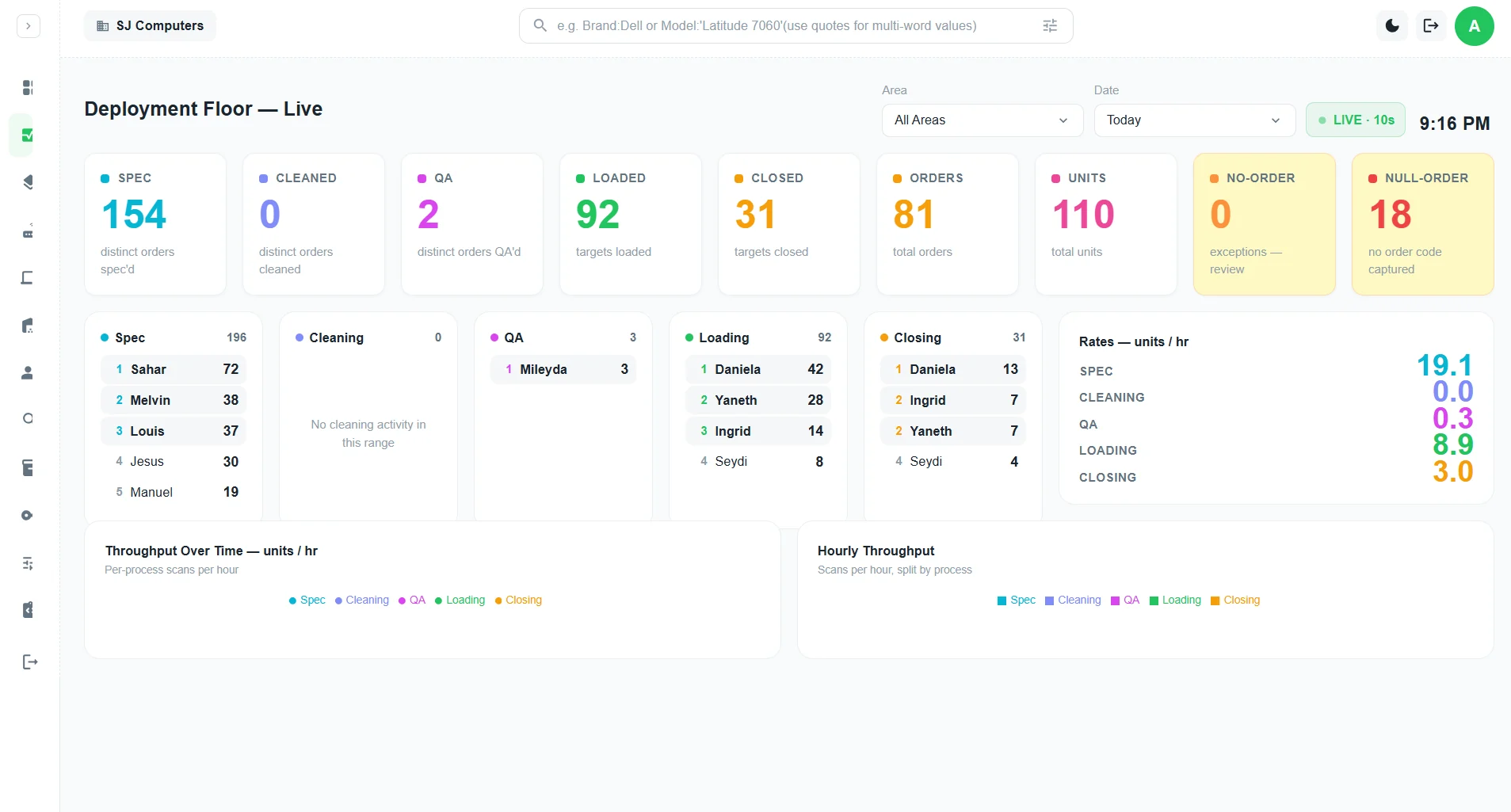
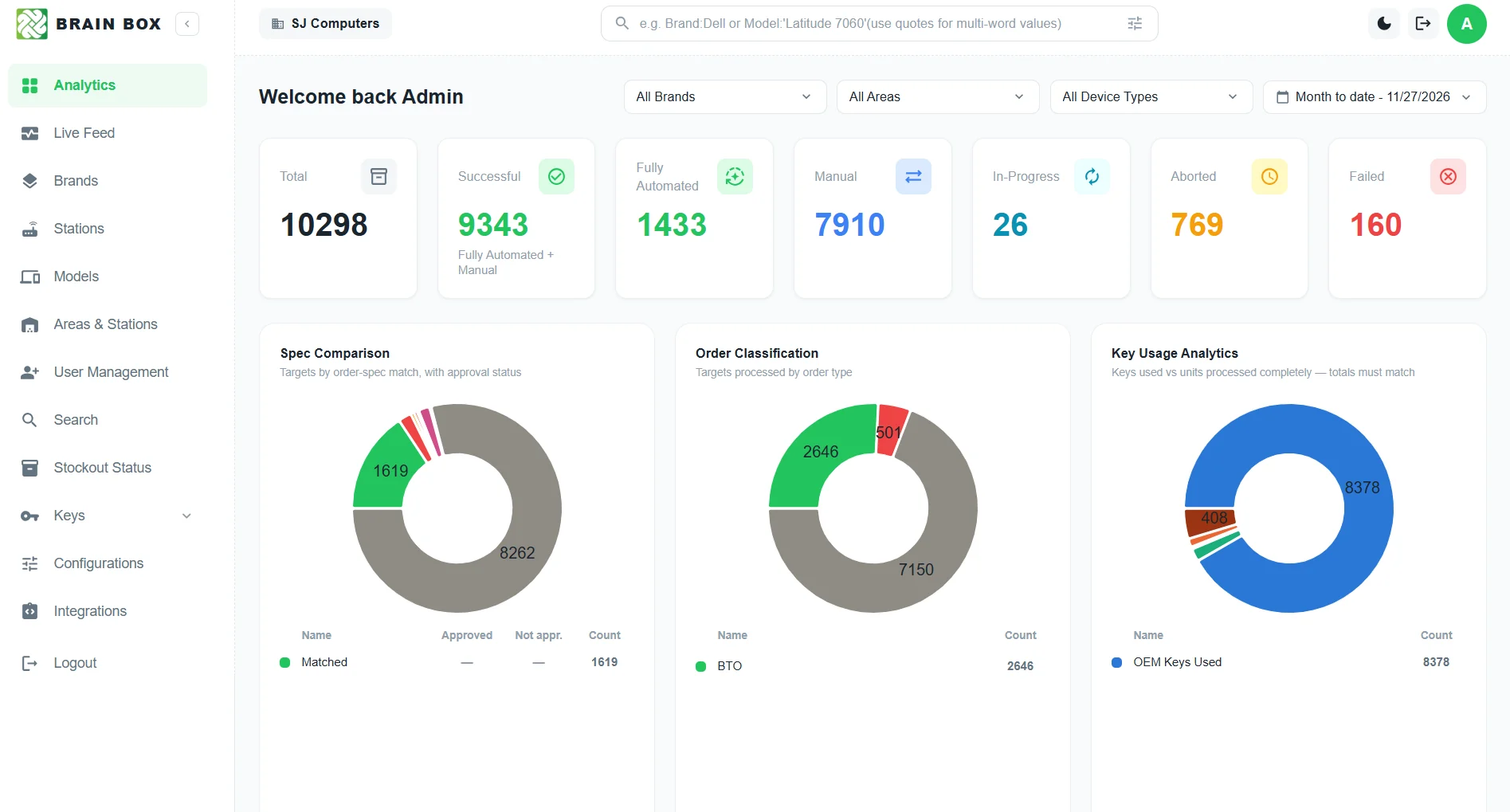
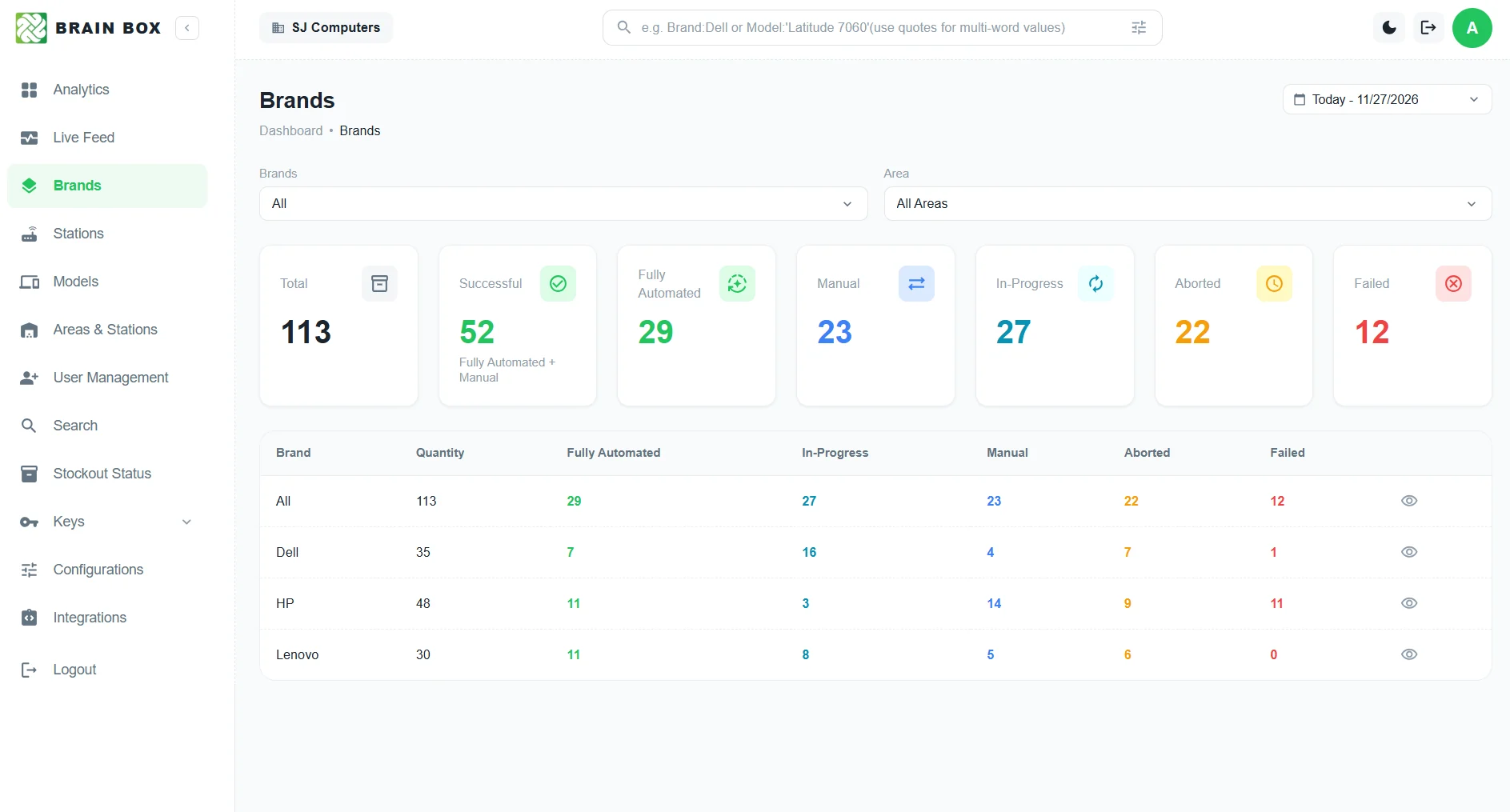
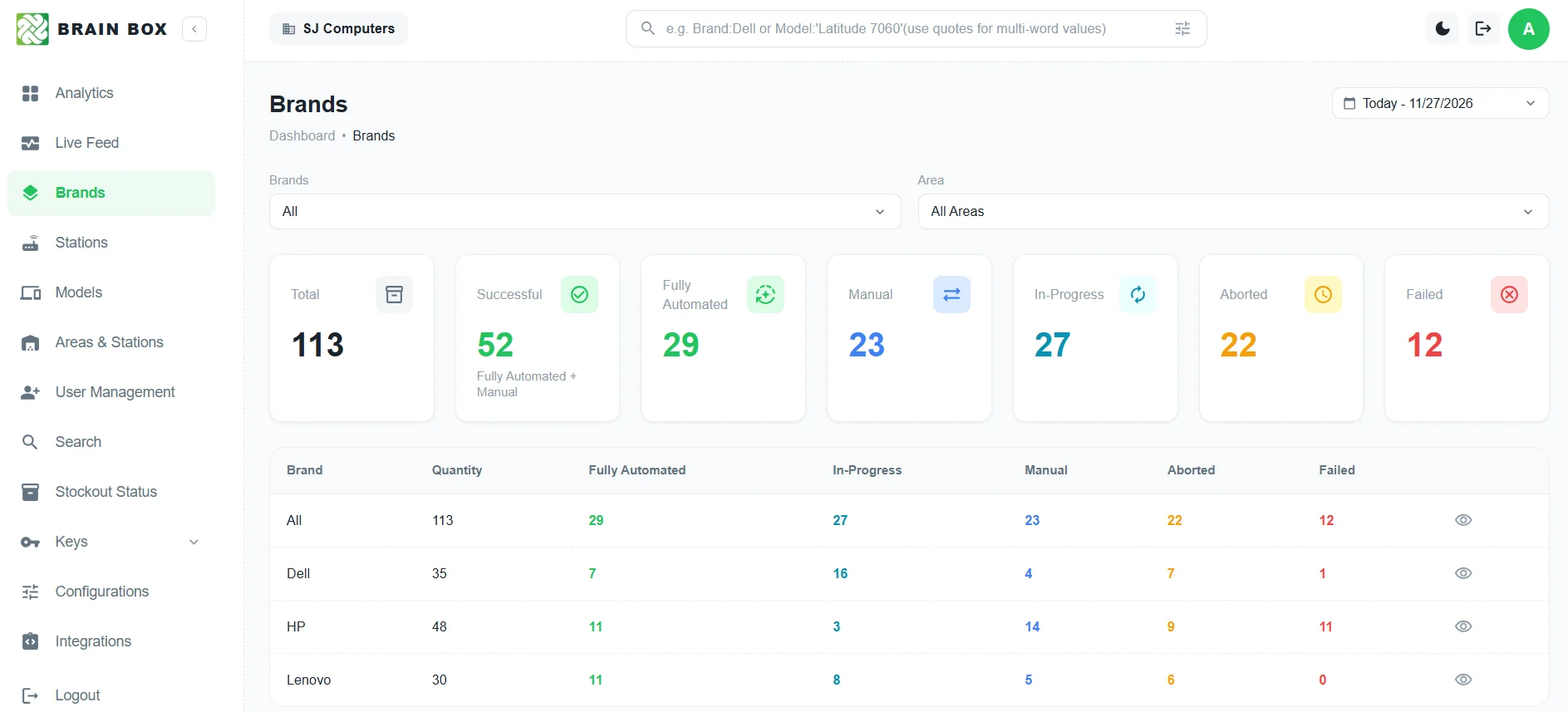
BrainBox runs a configurable seven-stage pipeline tied to each order, from the first power-on to a stocked, activated unit, while technicians handle the checks that need a person.
On many refurbishment lines, technicians step through BIOS menus, read specs off each machine, install images from USB drives and check drivers by hand. A wrong CPU or missing RAM often surfaces only after the unit ships, and inventory is updated later from a spreadsheet.
BrainBox runs those steps as one pipeline tied to the order. It captures the hardware, compares it with what the customer ordered, images and verifies the machine, and records who handled each stage, while technicians focus on the checks that need a person.
Supported BIOS setup, hardware capture, imaging, reboots and driver scans run automatically, so technicians spend less time navigating menus.
Every machine is compared with its order, and unexpected hardware is held for review instead of being silently accepted.
Searchable history by serial, station, order and operator, with finished units passed straight to StockWise.
 BrainBox
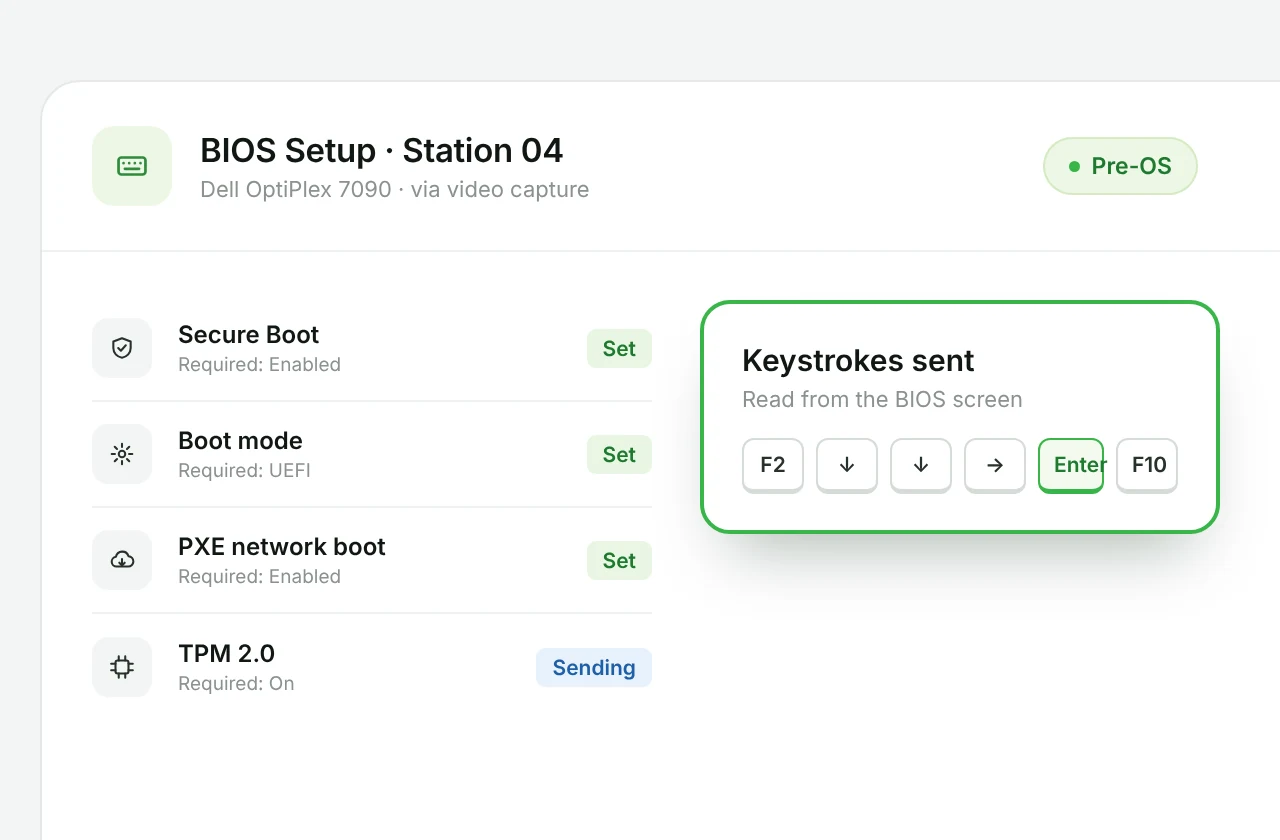
A host computer reads the target machine's BIOS screen through paired video-capture hardware and sends the required keystrokes, so supported settings are configured before any operating system is installed.
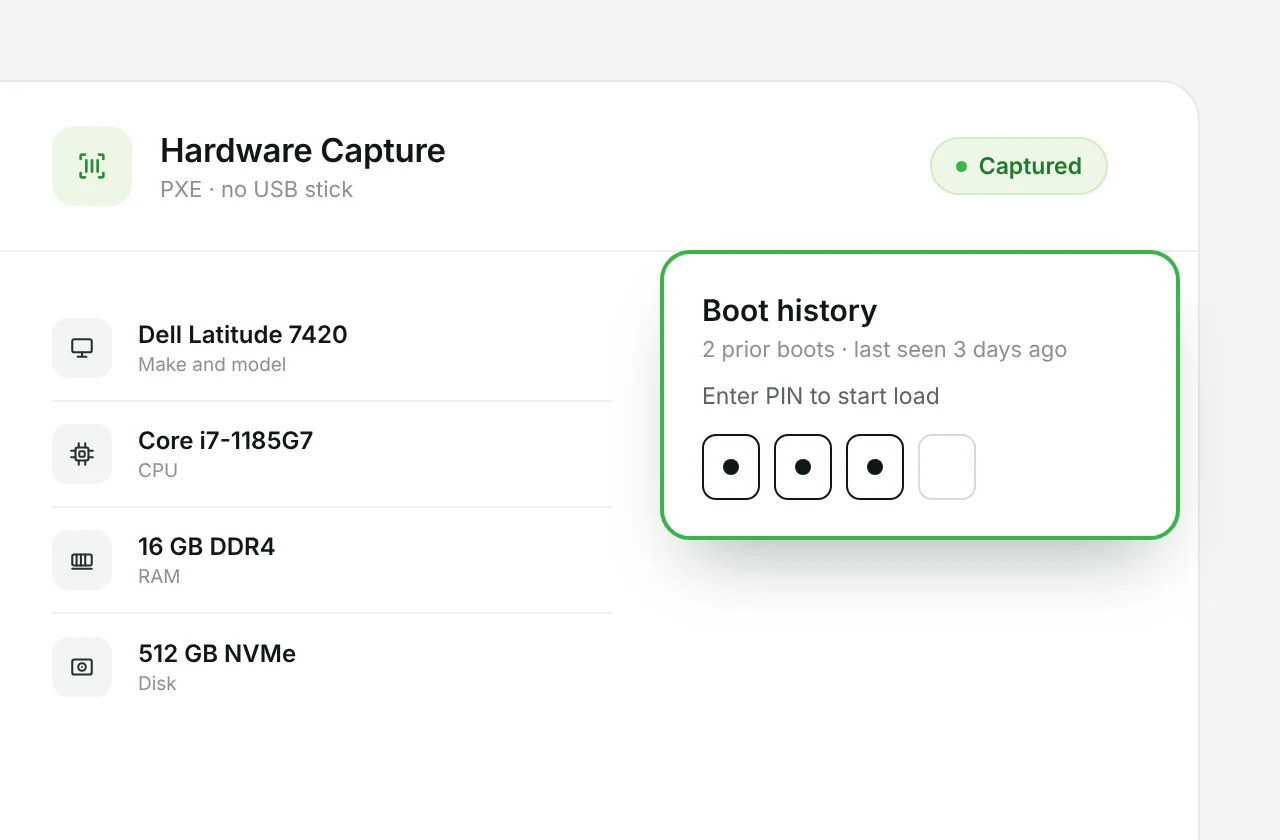
PXE-based inspection captures make, model, CPU, RAM, disk and GPU without a USB stick. Prior boot history lets the technician review a machine before entering a PIN to start the load.
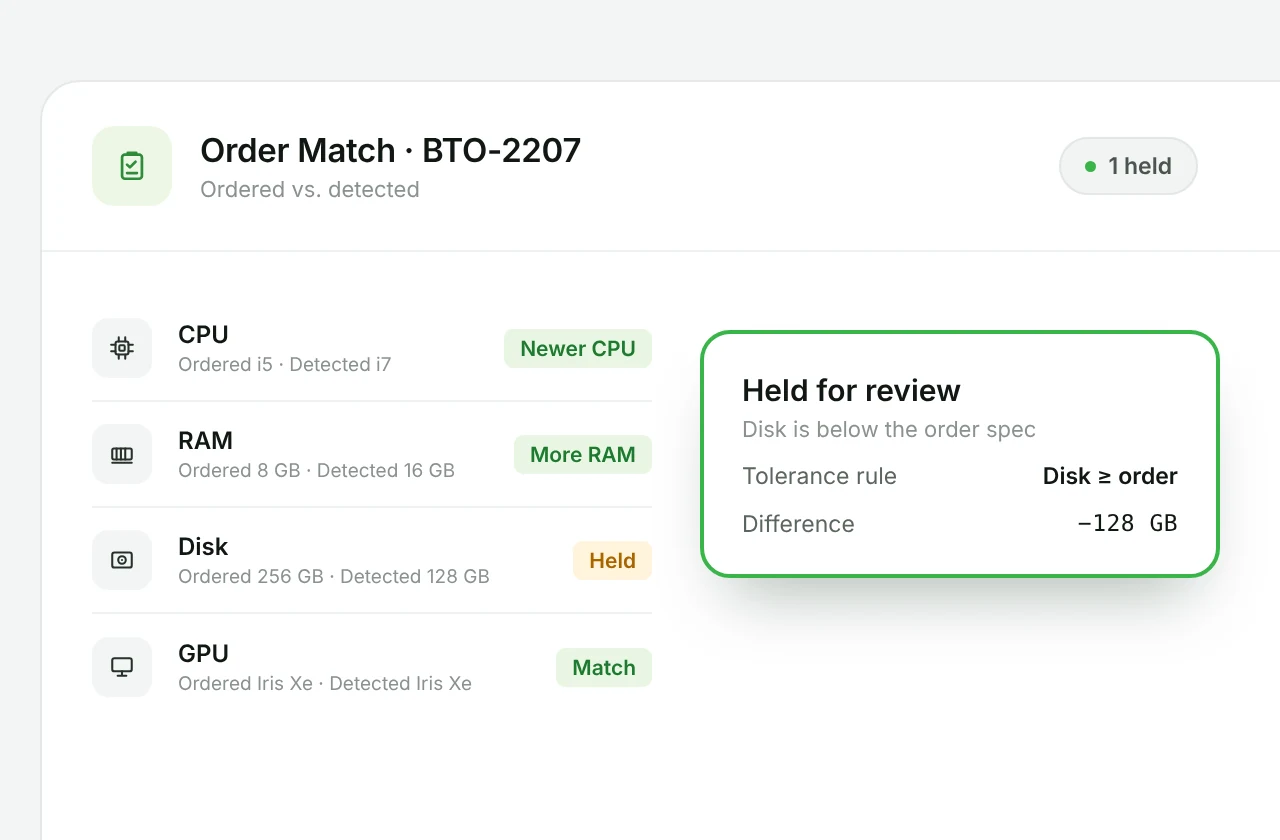
Captured specs are compared with the order using configurable tolerance rules, such as allowing a newer CPU or more RAM. Unexpected hardware is flagged and held for review, with the full difference recorded.
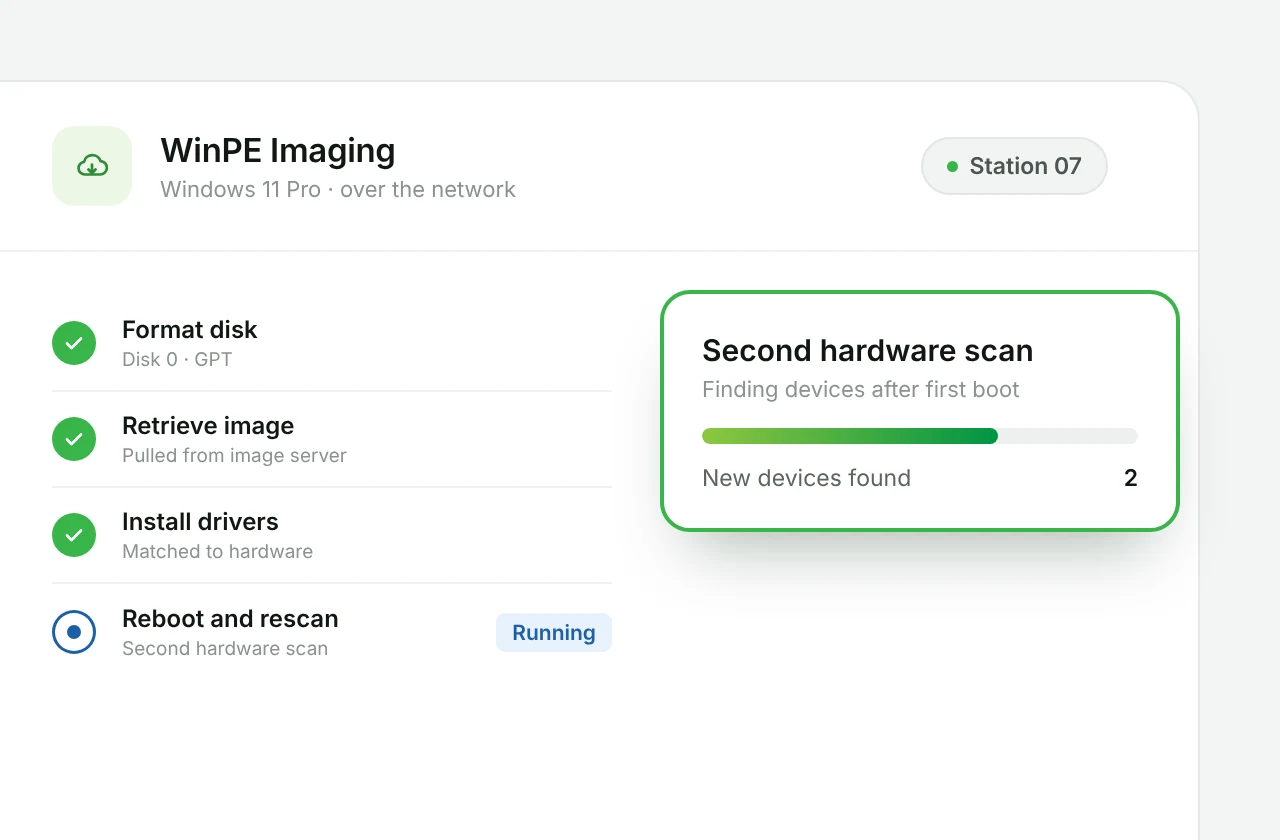
WinPE formats the disk, retrieves the required Windows image over the network and installs drivers, with automatic reboots and a second hardware scan for devices that appear after the first boot.
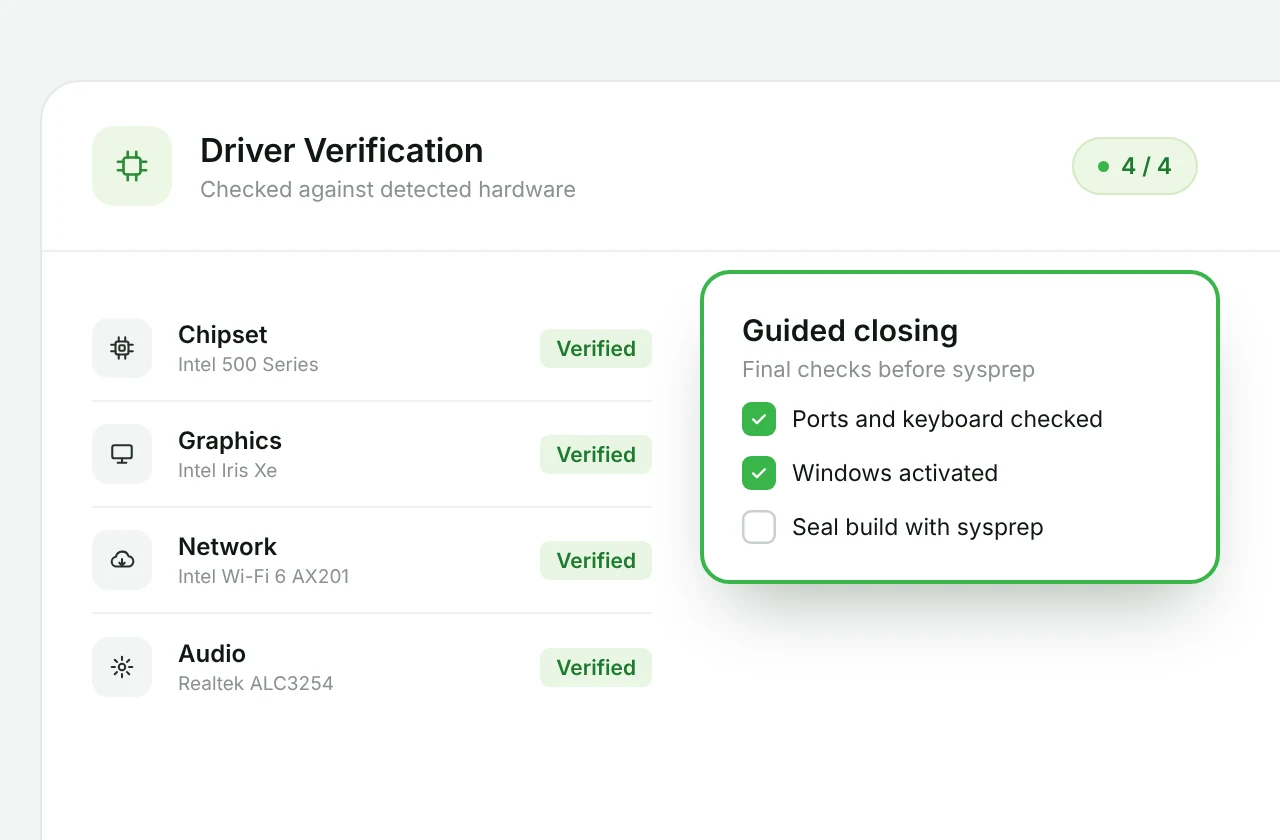
Drivers are verified against detected hardware. A guided closing app walks technicians through final checks and Windows activation before sysprep seals the build.
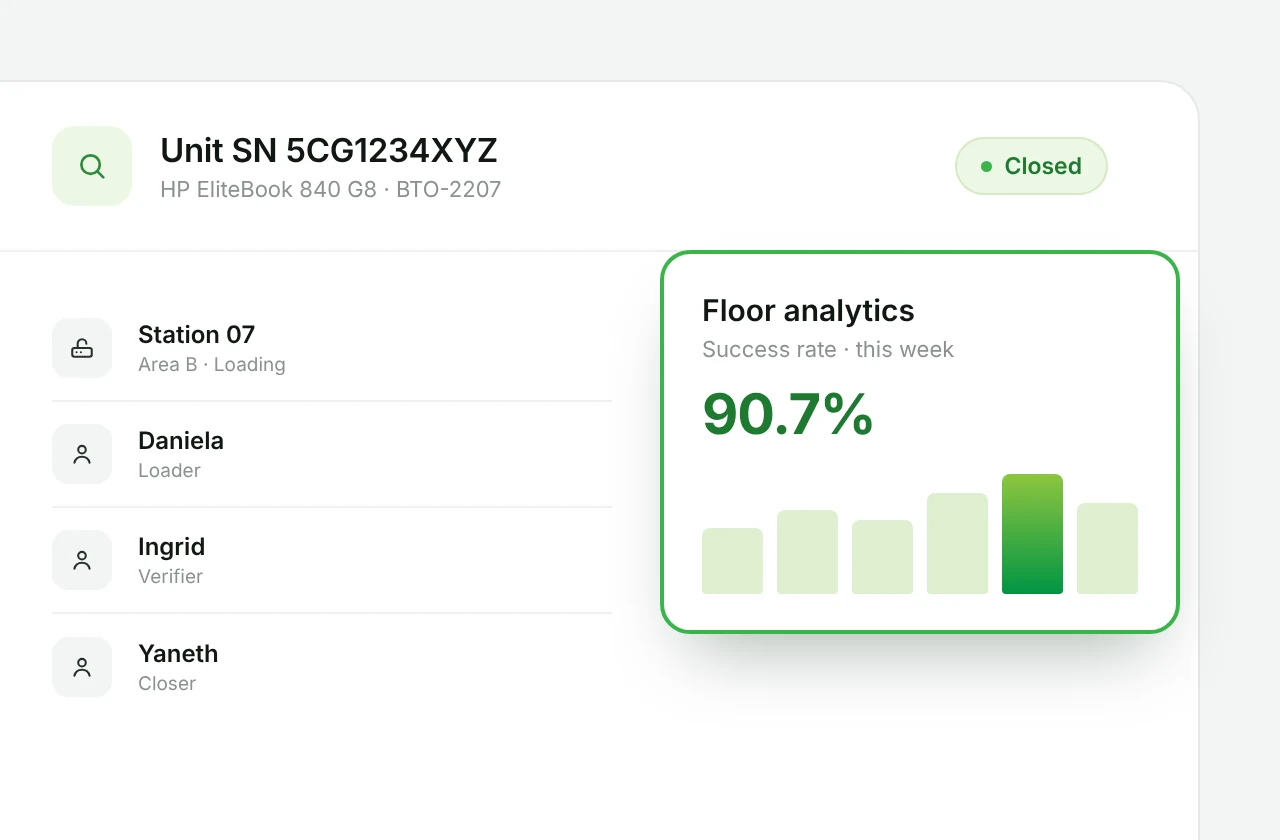
Search units by brand, model, serial, station or order number, and look up the loader, verifier and closer. Dashboards show throughput, success rates and slow stations or models across sites.
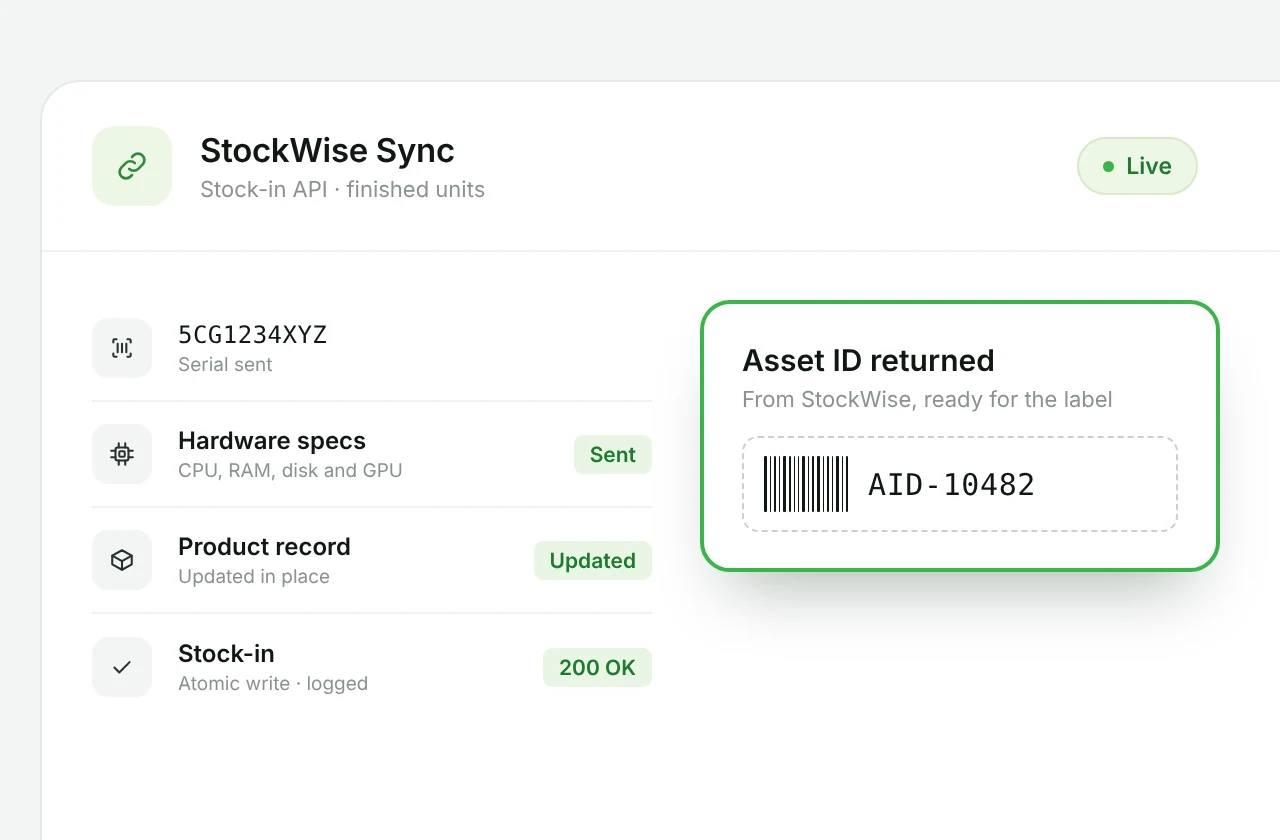
Finished units send their serial and hardware specs to StockWise through stock-in and stock-out APIs. Existing records update in place, new products are created when needed, and StockWise returns an Asset ID for the label.
BrainBox runs a configurable seven-stage pipeline: Capture, Clean, Load, Match, Image, Drivers and Activate. Here's how those stages fit into a machine's journey across the line, and where technicians step in.
Supported BIOS settings are configured before the OS loads, and BrainBox captures the machine's hardware profile. The loading technician reviews the unit and its boot history, then enters a PIN to start the automated load.
The unit is wiped to a known state, and the required image and station payload are provisioned for the build.
Captured specs are compared with the order using your tolerance rules. Units that match move on, while mismatches are flagged and held for review.
Windows is installed over the network, the machine reboots and rescans its hardware, and drivers are checked against the detected configuration.
The technician completes guided closing checks and Windows activation, sysprep seals the build, and StockWise records the unit and returns an Asset ID for labeling.
On a busy refurbishment line, the costly mistakes are the ones nobody notices until a customer does. BrainBox keeps each machine tied to its order from power-on, so mismatches surface at the bench rather than after shipping.
Every stage leaves a record. Supervisors can see which station built a unit, who loaded, verified and closed it, and what changed if its hardware didn't match, across one site or several.
BrainBoxDetected hardware is compared with order specifications, and differences are logged in full and never silently overwritten.
Serial, brand, model, station, built-to-order number, status and operator stay searchable for warranty, audit and dispute handling.
The live StockWise integration updates inventory as units are processed and returns Asset IDs, with full specification differences kept on corrections.
BrainBox is part of the GreenLoop ERP family. Its StockWise integration is live today, and wider GreenLoop orchestration is planned for the future. BrainBox's cleaning and optional wipe steps prepare units for building. They are not certified data sanitization, which is handled by Clear.
Request a DemoBrainBox is refurbishment-line software for electronics recyclers, ITAD processors and refurbisher-resellers. It takes a computer from power-on through hardware capture, order matching, Windows imaging, driver checks and activation to a stocked unit.
A host computer reads the target machine's BIOS screen through paired video-capture hardware and sends the required keystrokes. It runs before the machine has an operating system or network agent, on supported configurations.
BrainBox applies your tolerance rules, such as accepting a newer CPU or extra RAM. Anything outside those rules is flagged, held for review and recorded with a full specification difference.
No. BrainBox automates BIOS navigation, capture, imaging, reboots and driver scans, but technicians still confirm the order match and PIN, review exceptions and complete guided closing checks.
No. BrainBox's cleaning and optional wipe steps prepare units for building. For certified, verifiable data sanitization with device certificates, GreenLoop uses Clear.
Through a live native integration. Finished units send their serial and hardware specs to StockWise, records update or new products are created, and StockWise returns an Asset ID for the label.
Yes. BrainBox is multi-tenant, so each site or client can have its own configuration, stations and dashboard, while supervisors get floor-wide and multi-site visibility.
See how BrainBox captures, checks, images and stocks machines on a line like yours. Bring your typical order types, and we'll walk through the workflow with you.