One order queue
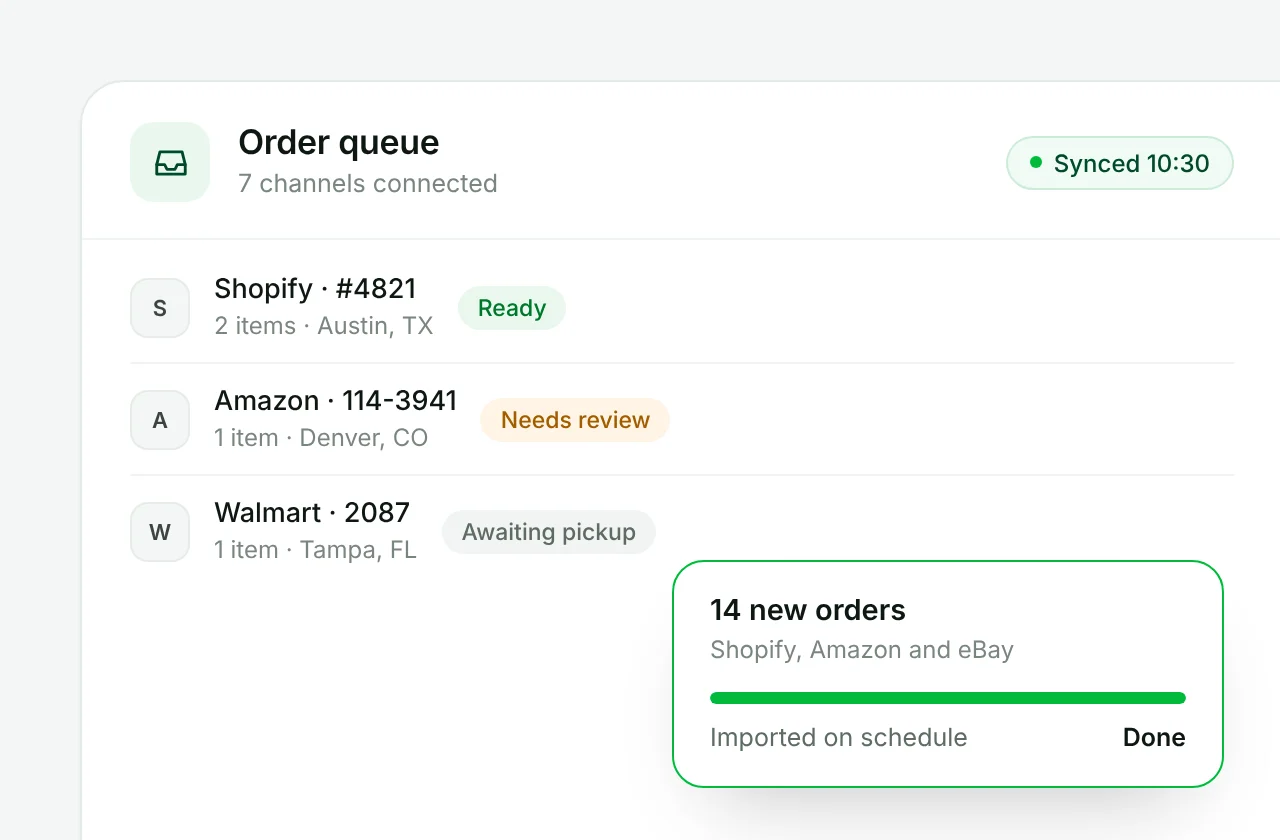
Orders from your connected marketplaces land in one place, with clear statuses for what’s ready, what needs a person and what’s waiting for pickup.
ShipNest is the shipping desk of GreenLoop ERP, built for electronics resellers, ITAD operators, refurbishers and multichannel warehouses. Pull in orders from your marketplaces, compare live carrier rates, print labels straight to your warehouse printers, and scan every package before the truck arrives.
Use it on its own, or inside GreenLoop ERP, where shipping connects directly with your inventory and accounting.
Every seller portal has its own login, its own order screen and its own way of buying labels. Rates get checked box by box, and nobody is fully sure the right label went on the right device.
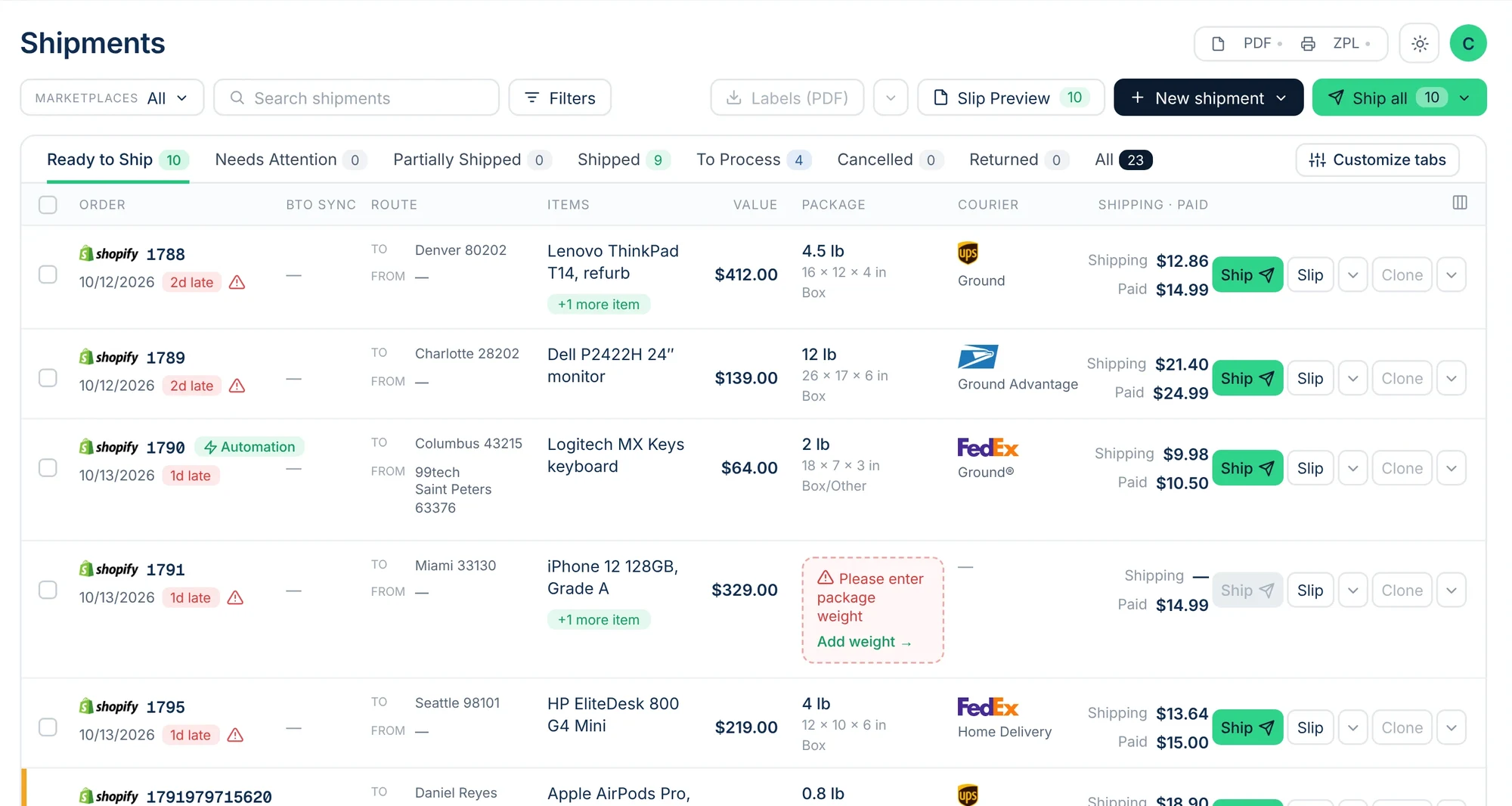
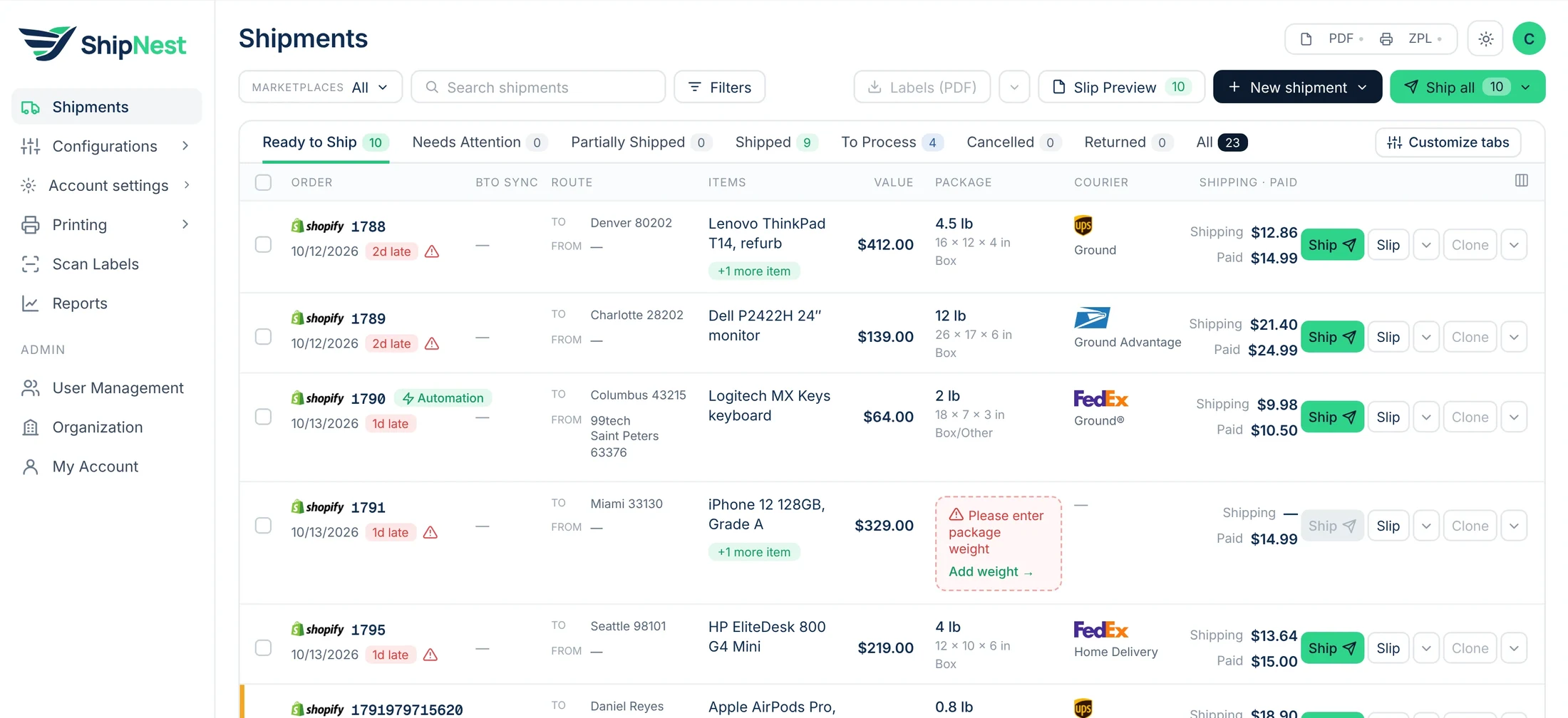
ShipNest brings every order into one queue, helps your team pick the right rate, and checks every tracking number before the carrier arrives.
Orders from your connected marketplaces land in one place, with clear statuses for what’s ready, what needs a person and what’s waiting for pickup.
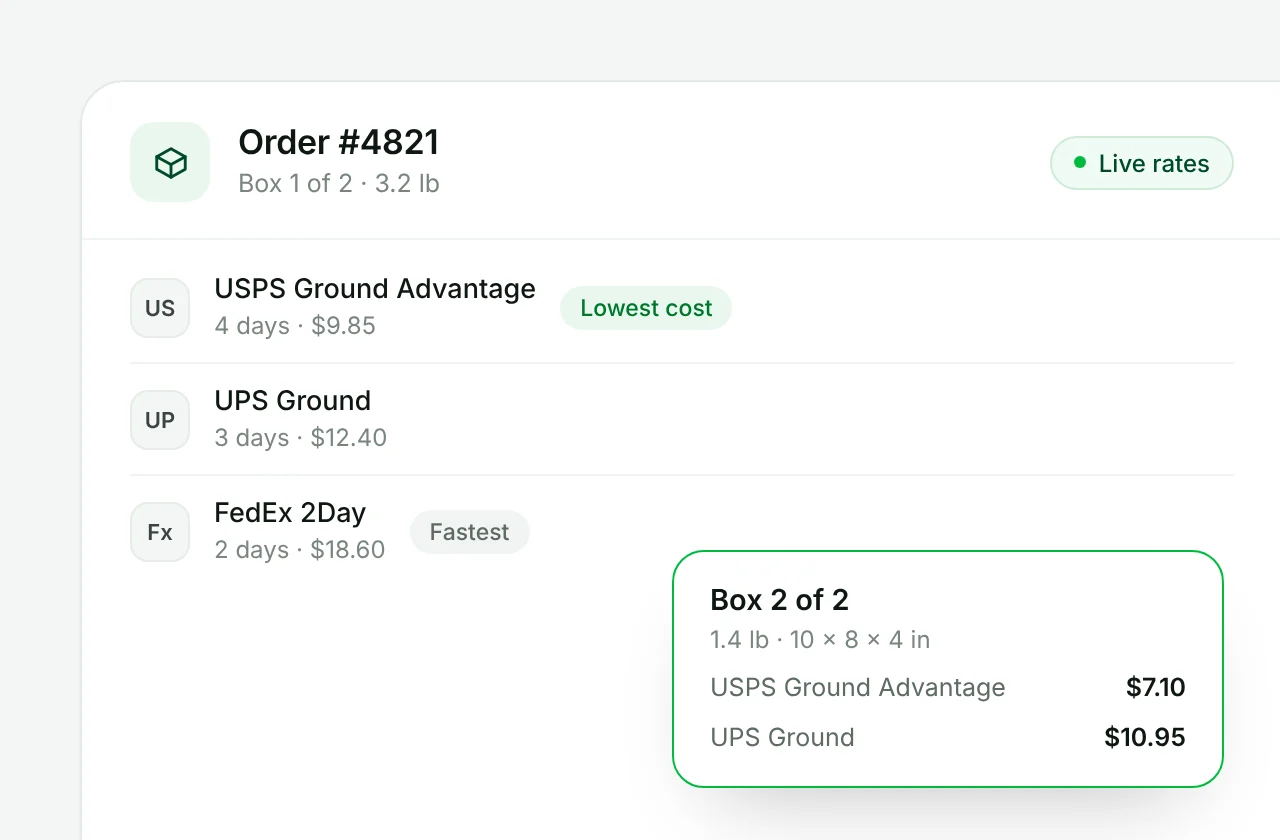
Compare live UPS, FedEx and USPS rates for each package using your own carrier accounts, with the lowest-cost and fastest options flagged.
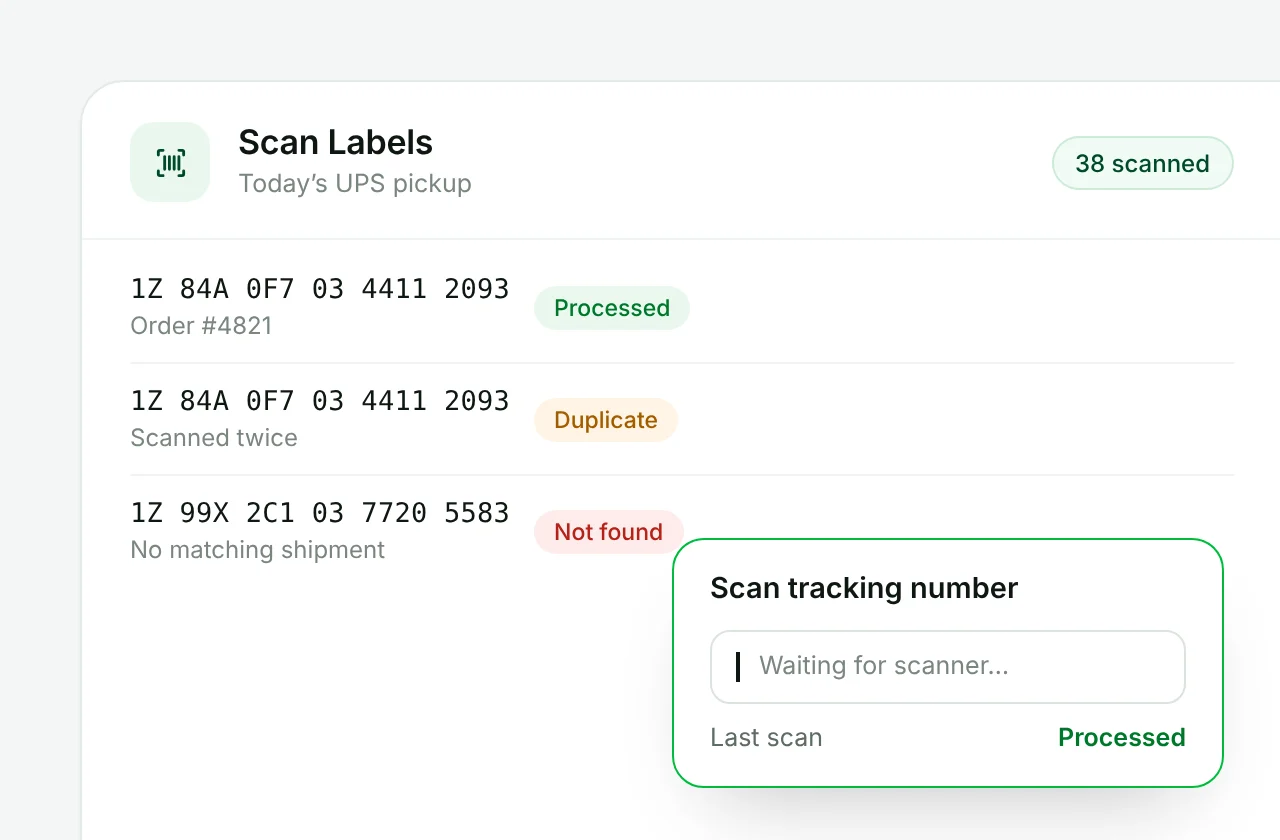
Warehouse staff scan every outgoing label, so duplicates and unknown tracking numbers are caught before the truck leaves.
 ShipNest
Connect Shopify, Amazon, eBay, Walmart, Newegg, Newegg Business and Best Buy once. New orders come in automatically on schedule or with a single click.
Fetch live rates per package and choose on cost or delivery speed. Multi-package orders get a rate for every box.
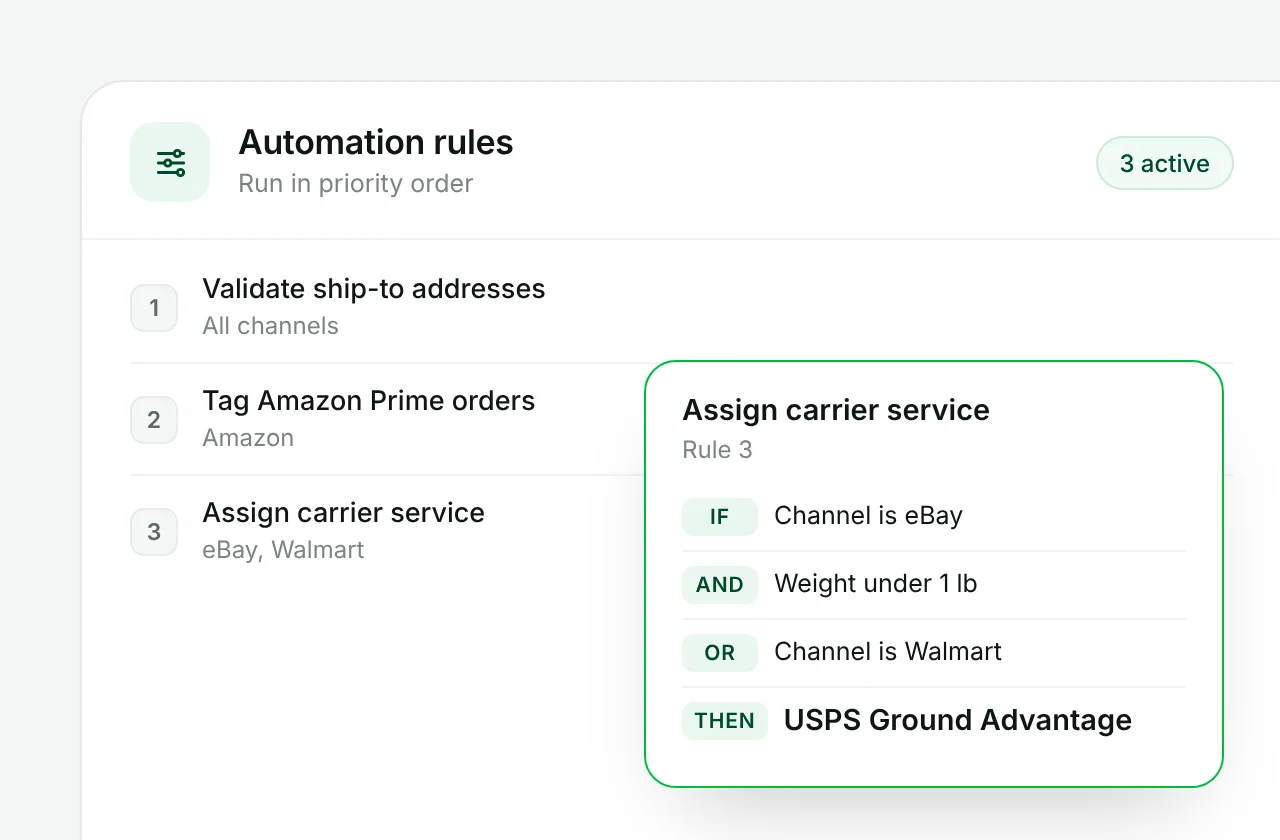
Validate orders, apply tags, build packages and assign carrier services automatically, with rules run in priority order using AND and OR conditions.
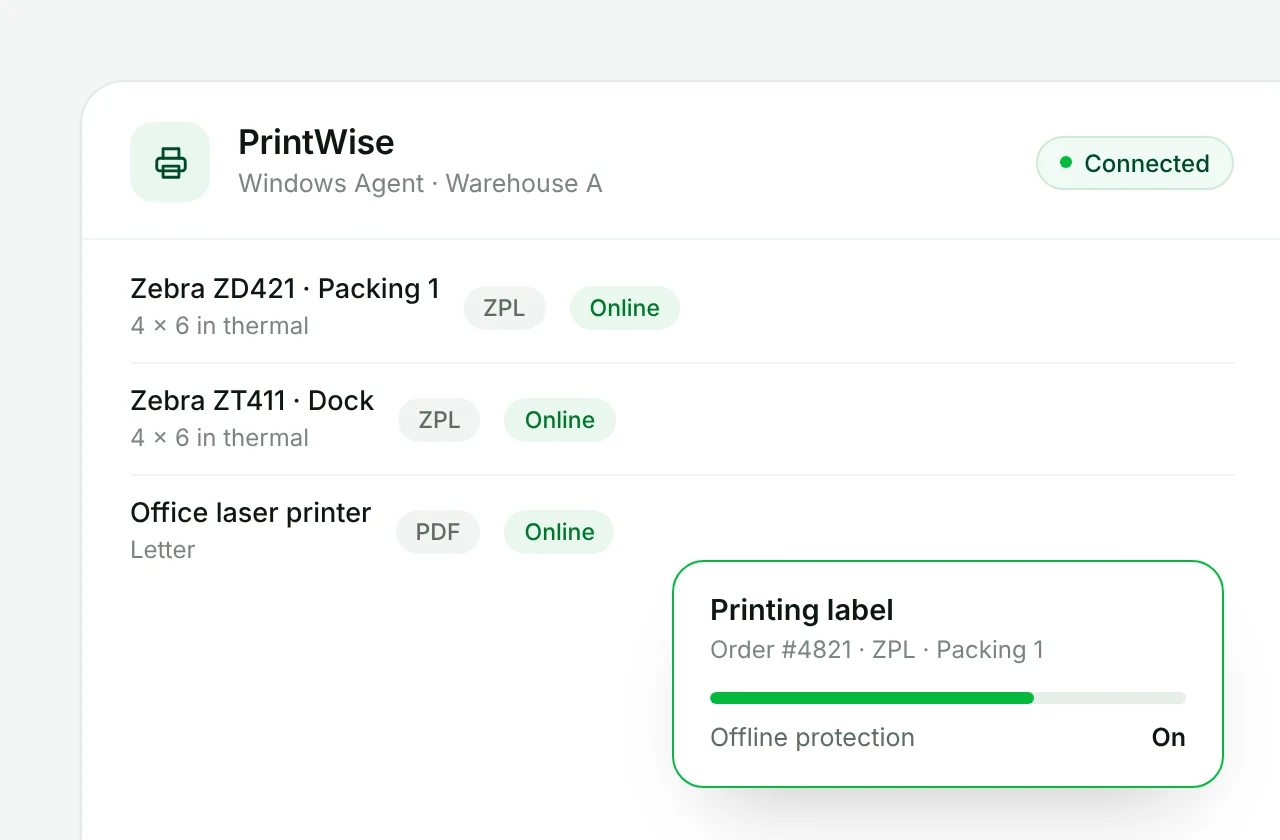
Print PDF or ZPL labels straight to warehouse printers through PrintWise and a lightweight Windows Agent, with optional offline protection that safely pauses printing if the agent disconnects.
Mark every tracking number as processed, duplicate or not found before the carrier arrives.
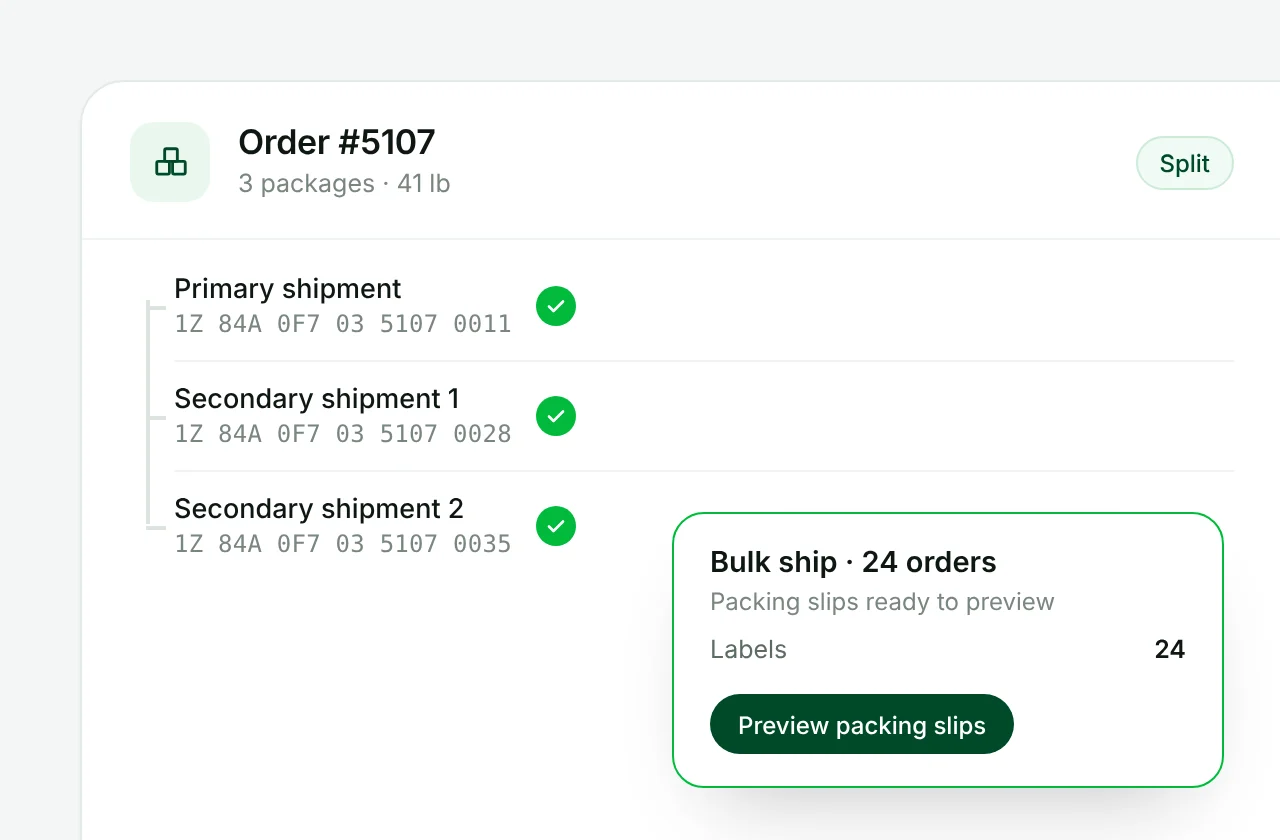
Split large orders into primary and secondary shipments with their own labels and tracking, or ship many orders together with packing slips previewed first.
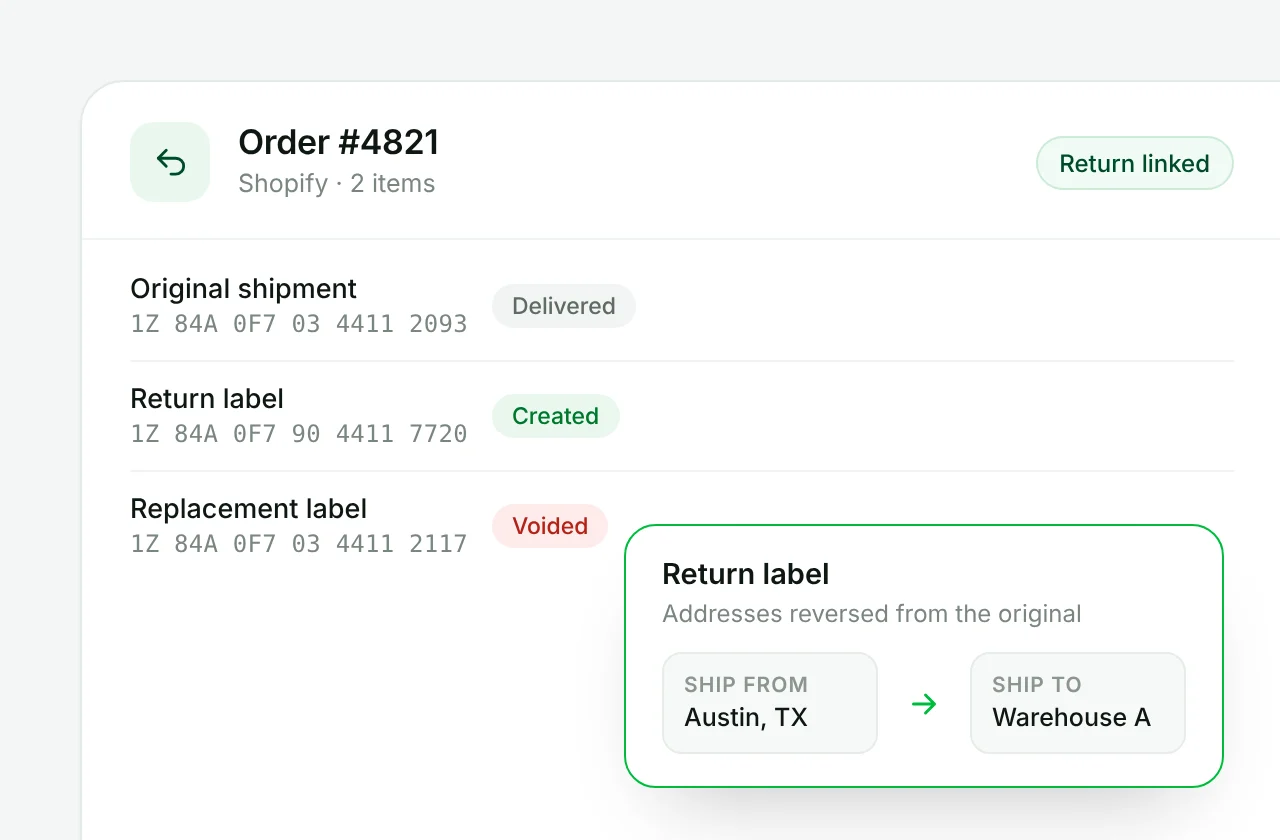
Create return labels from the original shipment, with addresses reversed automatically and voids and cancellations tracked.
ShipNest connects every step of the shipping desk in one workspace, so orders move from your sales channels to the carrier truck without switching screens.
Connect your sales channels once, and ShipNest pulls in new orders automatically or with a single click.
Automation rules validate orders, apply tags, build packages and choose carrier services.
Create shipments and send PDF or ZPL labels straight to the right warehouse printer.
Warehouse staff scan every outgoing label to catch duplicates and unknown tracking numbers before the truck departs.
Inside GreenLoop ERP, shipments can be created as soon as an invoice is paid, using stock already released by StockWise, so inventory, accounting and fulfillment stay connected.
Admins manage every module, setting and carrier account. The Warehouse role is limited to the Scan Labels screen, with everything else hidden.
Secure access through AccessWise single sign-on with multi-factor authentication.
Orders, configuration and carrier credentials stay isolated between companies.
Every shipment action is recorded with the date, user, action and description.
This online computer retailer replaced order-ID lookups with a single ShipNest dashboard showing the marketplace, customer, items, addresses, package details and carrier service together. The result was easier order identification, fewer manual lookups and simpler onboarding for new team members.

This online perfume store now creates the invoice and the shipping label together on one printed page, so every parcel goes out with matching paperwork and new packers learn one simple step instead of a multi-screen routine.

ShipNest is the multi-marketplace shipping module of GreenLoop ERP. It brings marketplace orders into one queue, compares carrier rates, prints labels and verifies every package before pickup.
Shopify, Amazon, eBay, Walmart, Newegg, Newegg Business and Best Buy.
UPS, FedEx and USPS, using your own carrier accounts, so you keep the rates you already have.
ShipNest outputs PDF and ZPL labels. You can print through your browser or through PrintWise cloud printing with a lightweight Windows Agent.
Yes. The Warehouse role limits packers to the Scan Labels screen, keeping settings and carrier credentials hidden.
No. ShipNest works as a complete shipping desk on its own. Inside GreenLoop ERP, it also connects with StockWise inventory and AccountWise accounting.
Yes. ShipNest connects to the same marketplaces and uses your own UPS, FedEx and USPS accounts.
Support is available by email and WhatsApp, and every request is logged and tracked until it’s resolved.
Give your shipping team one workspace for marketplace orders, carrier rates, labels and verification, connected to the rest of your operation through GreenLoop ERP.